Business Wi-Fi & Networking
A network that reaches the whole office, keeps guests separate and gives your team a dependable connection. Work directly with owner Jared Swan, remotely or on-site, without a long-term contract.
Your office network should make sense to the people using it.
Dead zones, dropped video calls and a guest password shared with everyone are signs it is time to look at the network as a whole. RemoteTechRx helps Metro Atlanta businesses with 2 to 50 employees plan, install and troubleshoot the connections their work depends on.
From the equipment room to the farthest desk
Three parts of a business network that need to work together.
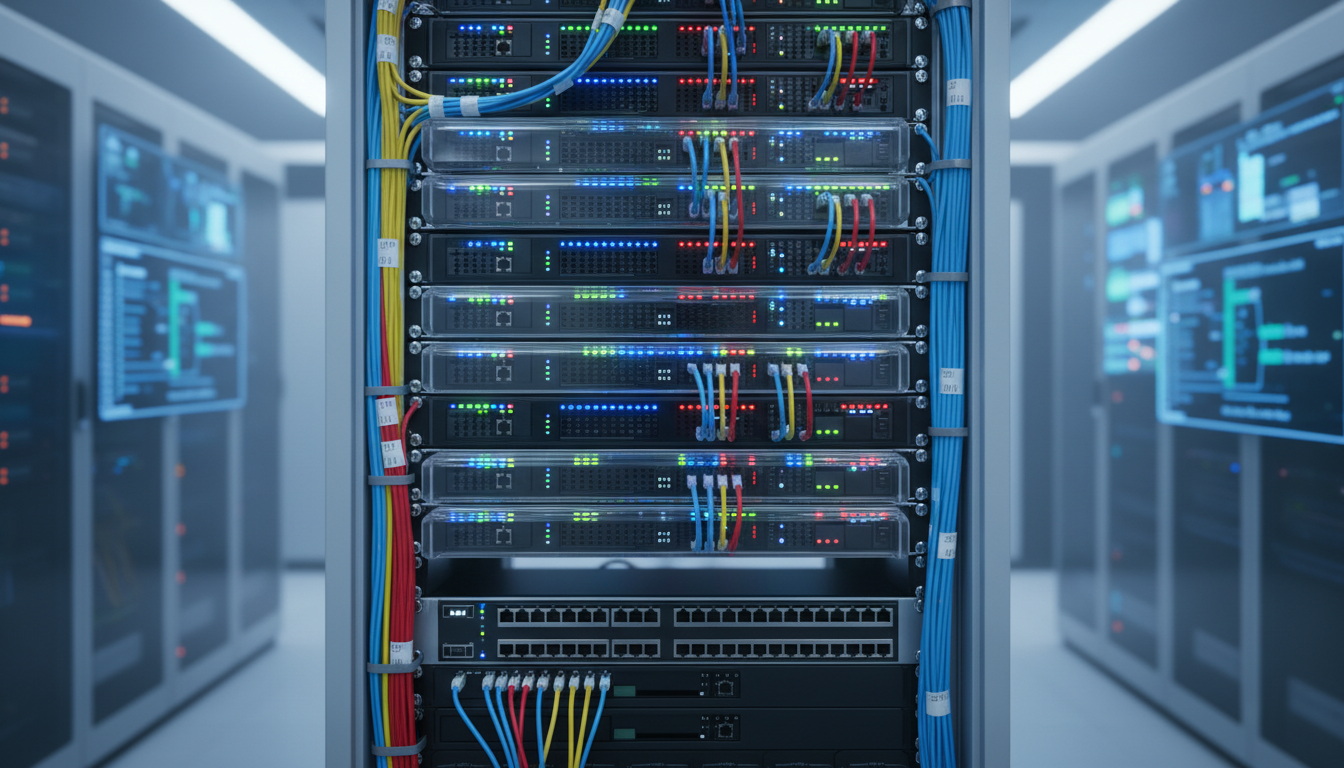
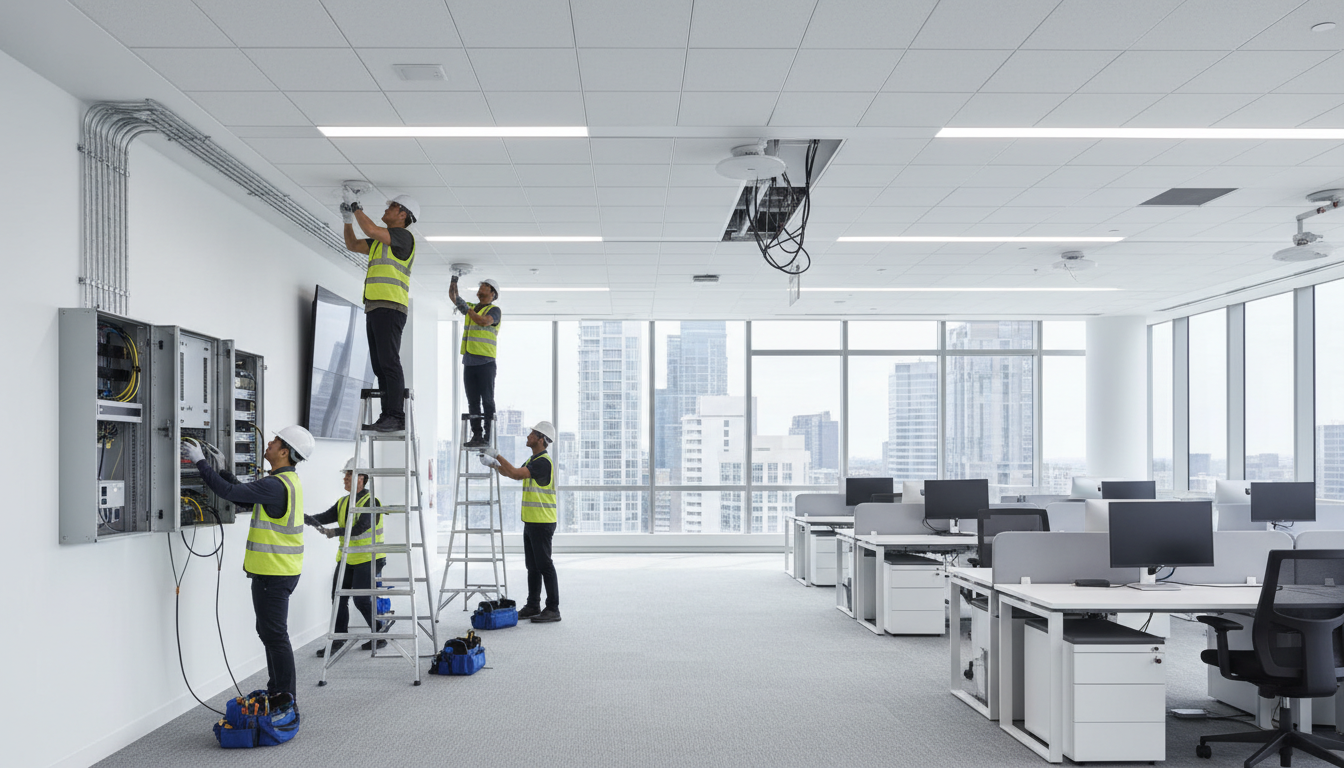
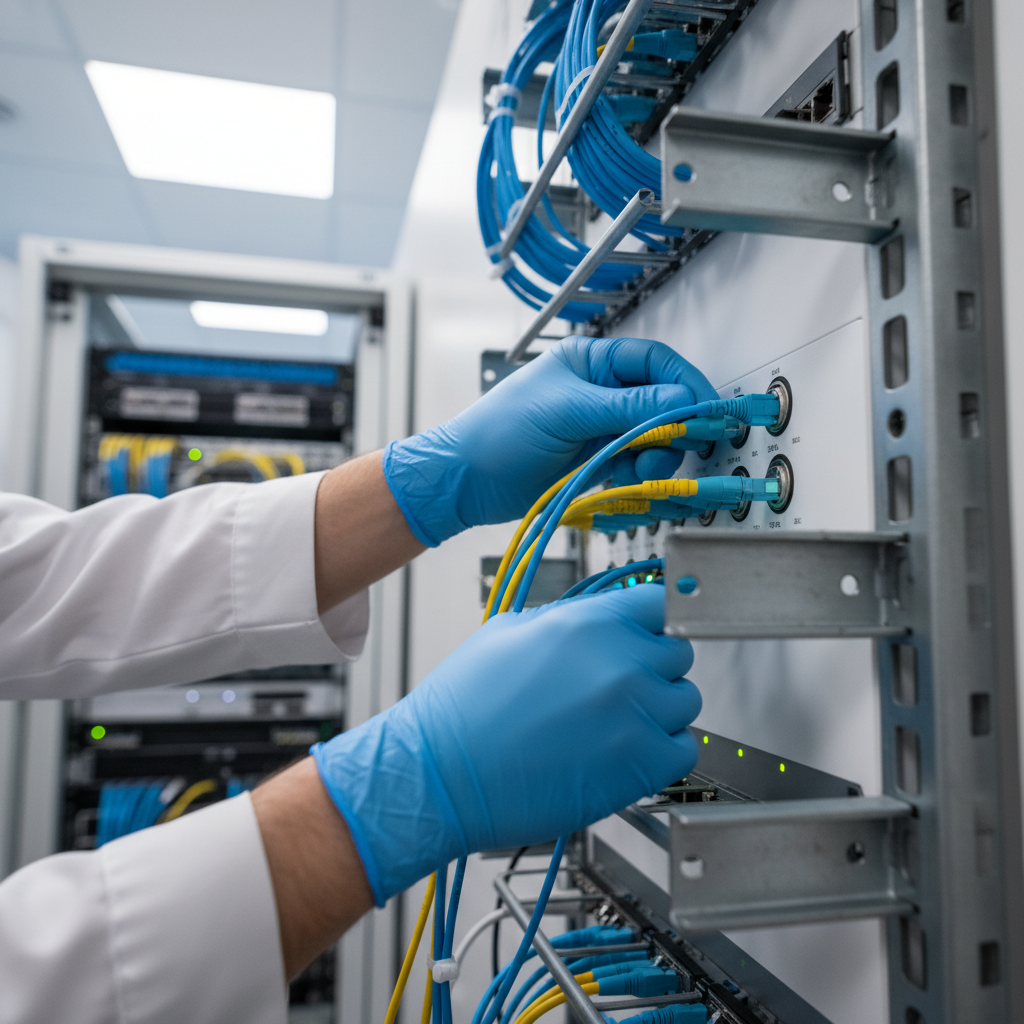
The right connection for each job
Start with what is failing or what the new space needs. Jared checks the existing equipment and layout, then recommends what to keep, configure or replace before making changes.
UniFi networks & Wi-Fi access points
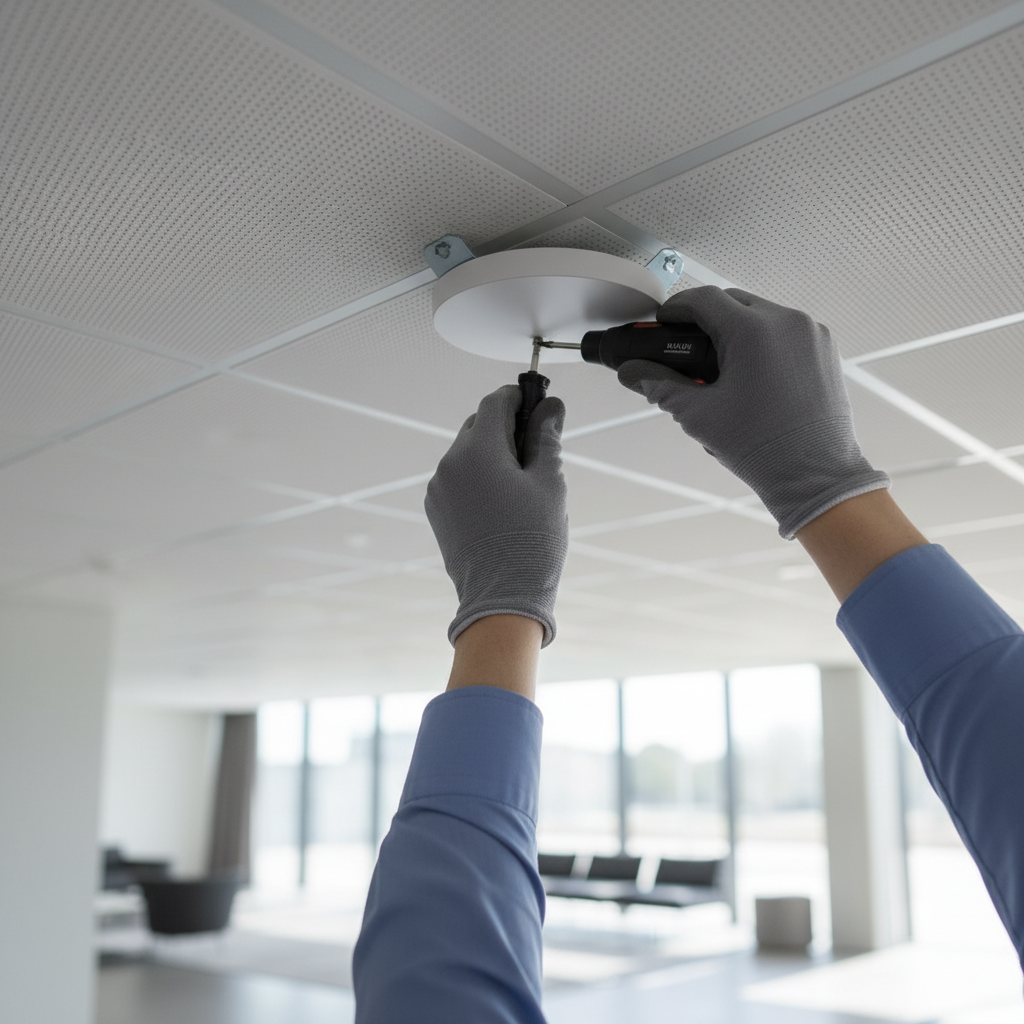
Plan access point placement, configure UniFi equipment and tune coverage across offices, meeting rooms and shared spaces.
Firewalls & managed switches
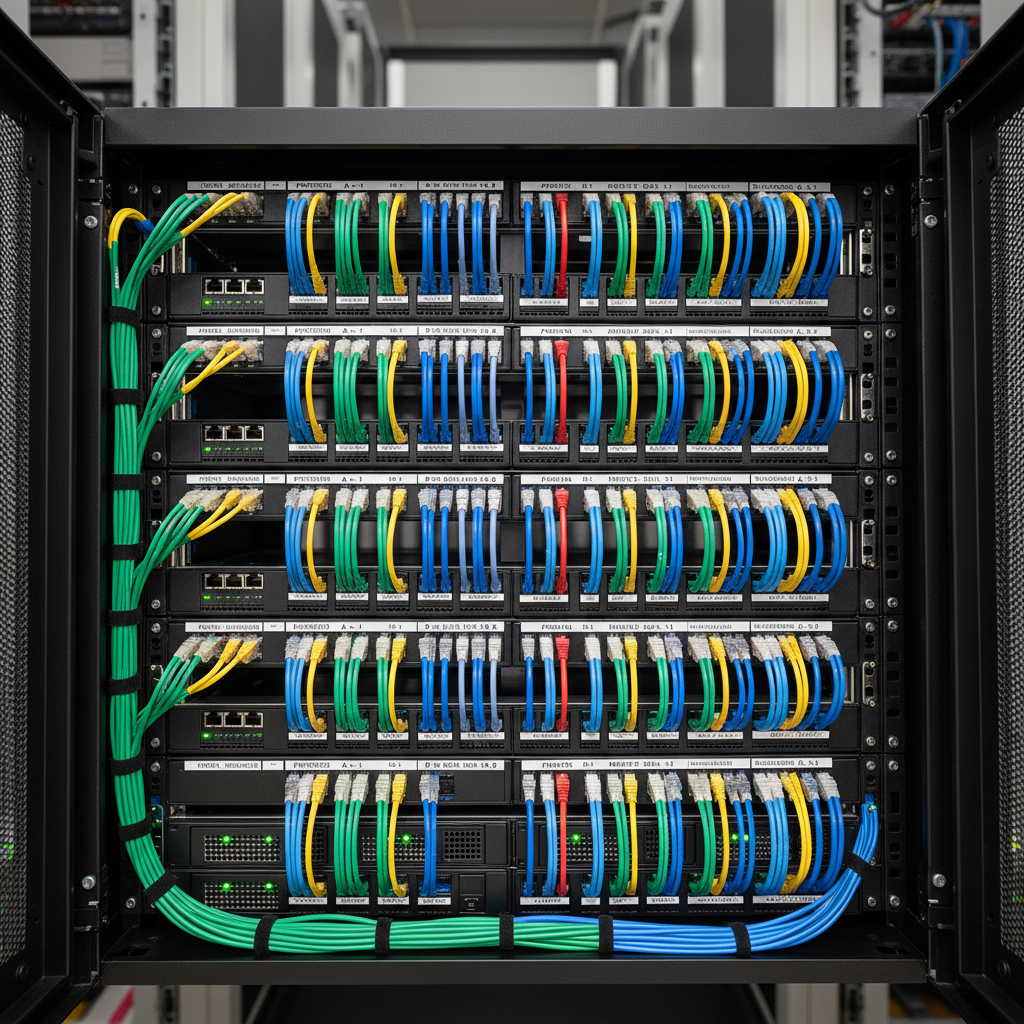
Set up the network edge and the wired connections behind it, including switch configuration and sensible security rules.
VLANs & guest Wi-Fi
Separate staff devices, guest access and other equipment so visitors can get online without joining the business network.
VPNs & remote access
Give authorized team members a secure way to reach the office network when working away from it.
Dual-WAN failover
Configure a second internet connection to take over when the primary connection goes down, where the available equipment and service support it.
Building-to-building wireless bridges
Connect nearby buildings wirelessly after checking distance, line of sight and the network needs at each end.
A remote assessment can often identify a configuration issue. For new equipment, coverage problems or a wireless bridge, Jared can assess the site, agree on a plan, install and configure the network, then check that staff and guest connections behave as intended. The time needed depends on the space and what is already in place.
Questions before changing your network?
Do we need to replace all our networking equipment?
Not necessarily. Jared starts by checking what you already have, where the problems occur and whether the current equipment can be configured to do the job. If a replacement makes more sense, you will know why before the work begins.
Can guests use Wi-Fi without accessing our business devices?
Yes. A separate guest network can give visitors internet access while keeping them apart from staff computers and other business equipment. Jared can configure the guest Wi-Fi and the network separation behind it.
What is a VLAN, and would our office benefit from one?
A VLAN separates groups of devices on the same physical network. It can help keep guest devices, staff computers and equipment such as printers on appropriate parts of the network. Whether you need one depends on your setup and how those devices must communicate.
Will dual-WAN failover keep us online through an outage?
Dual-WAN failover can switch traffic to a second internet connection if the primary connection fails. It requires two working connections and compatible equipment; it cannot prevent an outage affecting both services. Jared can check whether it fits your office.
Can you help remotely, or do you need to visit?
Jared works both remotely and on-site across Metro Atlanta. Configuration and troubleshooting may be handled remotely; checking Wi-Fi coverage, installing access points or assessing a building-to-building bridge generally calls for a visit.
Tell Jared what your network is doing.
Whether one room has weak Wi-Fi or a new office needs its network built out, you can talk directly with the technician who will work on it. No long-term contract required.